
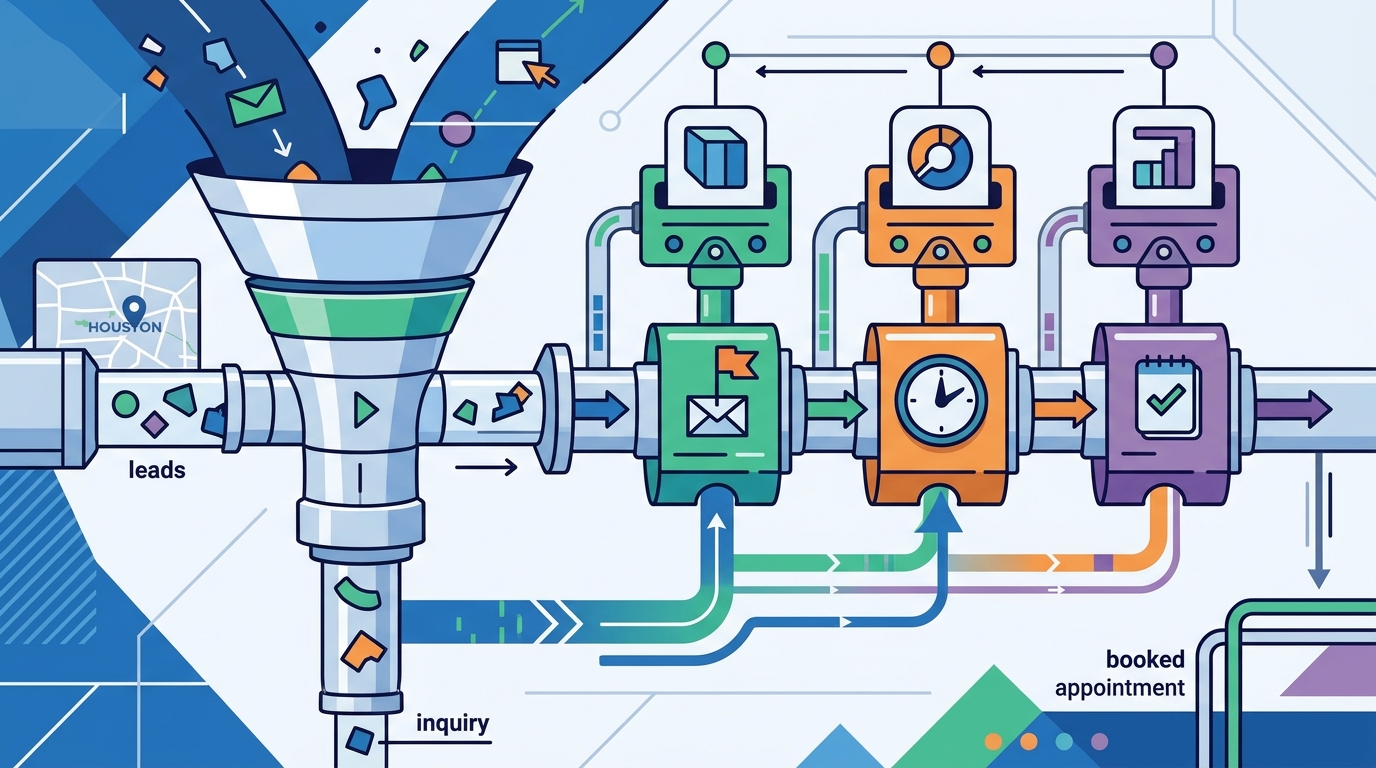
Choosing the right customer relationship management (CRM) system is the single most effective way to ensure no high-value inquiry slips through the cracks. A CRM is a software platform that centralizes customer data, tracks interactions, and automates repetitive tasks like follow-up emails and task assignments. For Houston-based service businesses and small teams, the right tool turns passive website traffic into booked appointments without requiring a full-time sales coordinator. The Roy Effect integrates these systems into custom websites to ensure that the moment a visitor submits a form, the follow-up sequence begins automatically. For additional details, review the About Rory Ulloa Houston.
1. HubSpot
Best for: All-in-one marketing, sales, and service automation.
HubSpot is a comprehensive CRM platform that offers a free core CRM alongside paid tiers for marketing, sales, and service. Its automation engine allows you to build complex workflows that trigger emails, update deal stages, and assign tasks based on user behavior. For businesses that want a unified view of their customer journey, HubSpot provides deep integration capabilities that connect your website forms directly to your sales pipeline. according to HubSpot Wikipedia
2. Pipedrive
Best for: Visual sales pipeline management and simple follow-up reminders.
Pipedrive is a sales-focused CRM that prioritizes a clean, visual interface for tracking deals through your pipeline. It excels at setting up simple, rule-based follow-up reminders that nudge sales reps to contact leads at specific intervals. If your primary goal is keeping a visual board of active deals and ensuring no one forgets to call a prospect, Pipedrive offers a straightforward setup with minimal learning curve.
3. Salesforce
Best for: Enterprise-scale automation and complex multi-team workflows.
Salesforce is a robust CRM system designed for organizations that require deep customization and advanced automation capabilities. It supports complex logic for lead routing, scoring, and follow-up sequences that can adapt to specific business rules. While it offers the most powerful automation tools available, it typically requires a dedicated administrator to configure and maintain the system effectively.
4. Zoho CRM
Best for: Cost-effective automation for small to mid-sized businesses.
5. ActiveCampaign
Best for: Email marketing and CRM automation combined.
ActiveCampaign is a marketing automation platform that includes a built-in CRM, making it ideal for businesses that rely heavily on email sequences. Its automation builder allows you to create sophisticated journeys that combine email, SMS, and task assignments based on user actions. If your follow-up strategy is primarily driven by email content and behavioral triggers, ActiveCampaign provides a powerful, visual interface for managing those flows.
6. FollowUpBoss
Best for: Service-based businesses that need automated task management.
FollowUpBoss is a CRM designed specifically for service industries like real estate, insurance, and home services. It focuses on automating the creation of tasks and follow-up calls based on lead status and activity. For businesses where the primary action is a phone call or a scheduled appointment rather than a digital sale, this platform streamlines the process of keeping leads warm.
7. Keap
Best for: Small businesses that need simple, reliable follow-up sequences.
Keap is a CRM and marketing automation platform built for small businesses that want to automate follow-up without complex configuration. It offers pre-built templates for common follow-up sequences, allowing you to get started quickly. The platform is known for its user-friendly interface and strong support, making it a solid choice for teams that need reliability over advanced customization.
Choosing the Right Platform
Selecting the best CRM for your business depends on your specific follow-up needs and team size. If you require deep integration with a custom website and want a seamless handoff from form submission to automated follow-up, consider a platform with strong API capabilities. The Roy Effect helps Houston businesses evaluate these options and integrate the right CRM into their digital strategy, ensuring that every lead receives timely, personalized attention.
Frequently Asked Questions
What is a CRM system?
A CRM system is a software application that manages all your company's relationships and interactions with customers and potential customers. It centralizes data, tracks communication history, and automates follow-up tasks to improve sales efficiency.
How does CRM automation work for lead follow-up?
CRM automation uses predefined rules to trigger actions like sending emails or creating tasks when a lead meets certain criteria. For example, when a lead downloads a resource, the system can automatically send a follow-up email and assign a task to a sales rep to call within 24 hours.
Can I use a free CRM for lead follow-up?
Yes, many platforms like HubSpot offer free CRM tiers that include basic contact management and simple automation. However, advanced follow-up sequences and integrations often require paid plans, so evaluate your specific needs before committing to a free tool.
How long does it take to set up CRM automation?
Basic follow-up automation can be set up in a few hours using pre-built templates. More complex workflows that involve multiple triggers and integrations may take several days to configure and test thoroughly.
Does The Roy Effect help with CRM integration?
Yes, The Roy Effect integrates CRM systems into custom websites to ensure seamless lead capture and follow-up. We help you choose the right platform and connect it to your website forms so that no lead goes cold.